API keys
Personal access tokens for the CLI and CI.
The CLI authenticates with a personal access token. A token acts as you within a single organization.
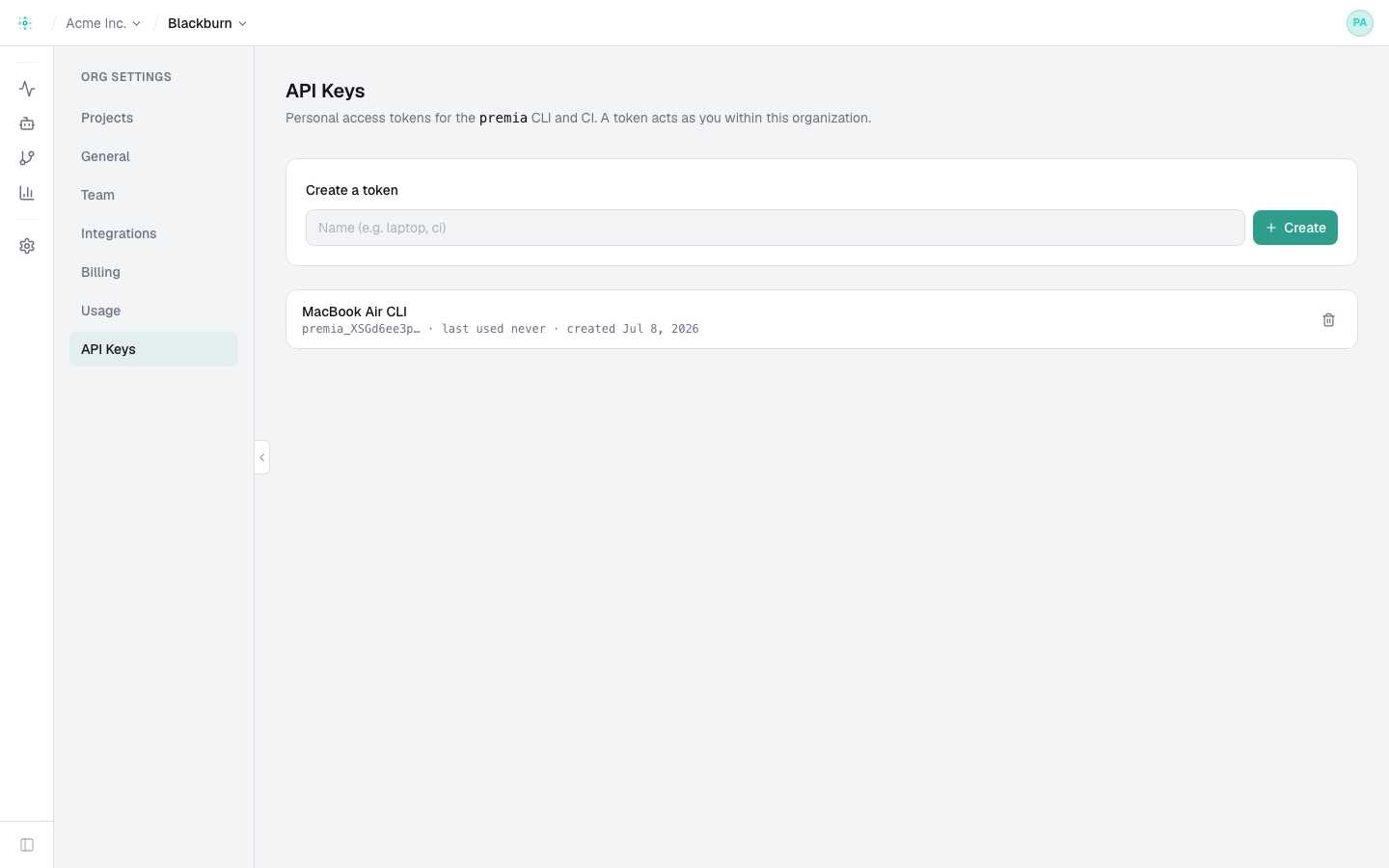
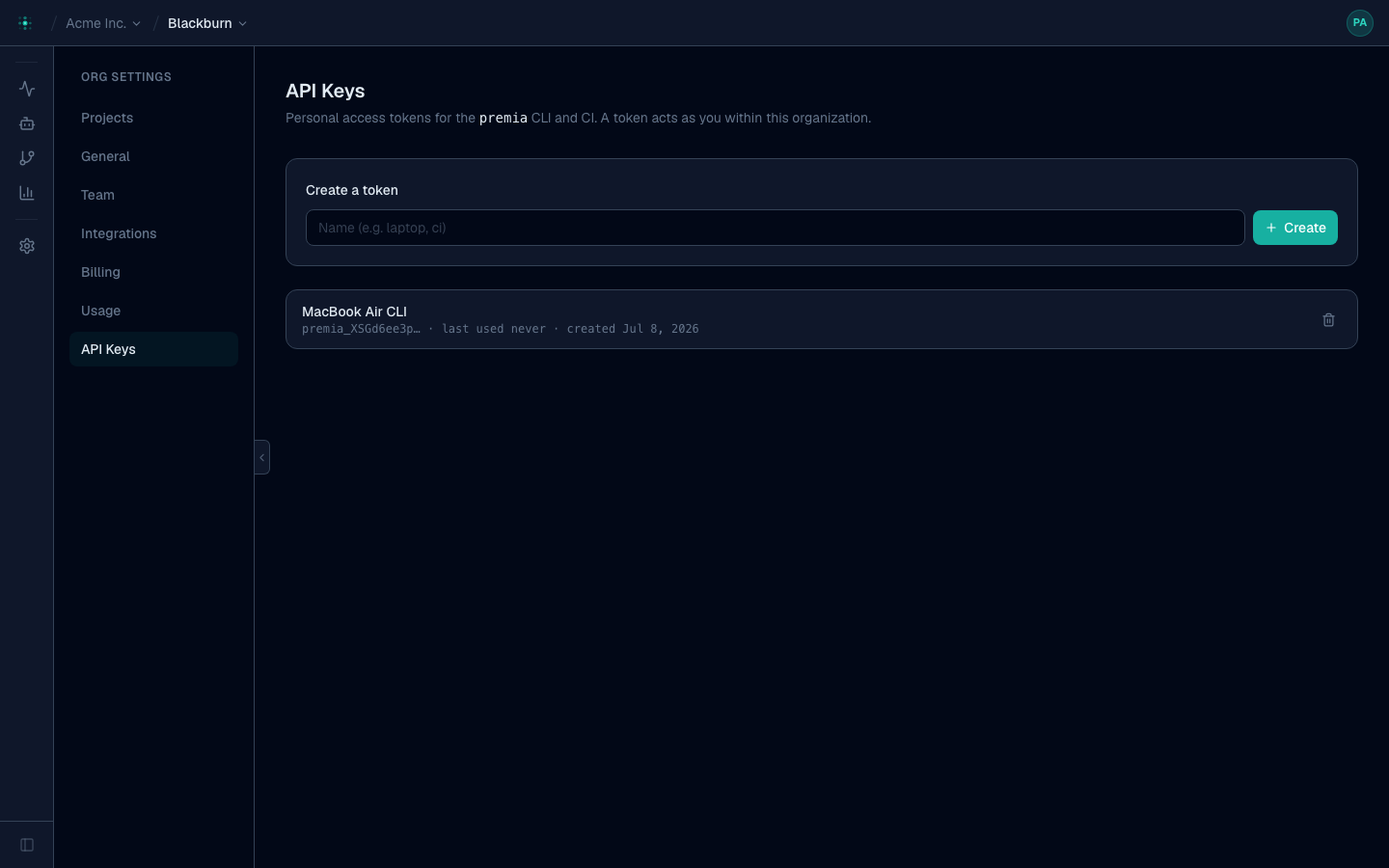
Create a token
Settings → API Keys → Create. Give it a name (e.g. laptop, ci). The token is
shown once — copy it then. Only its name and prefix are stored; the value is hashed.
Use it
premia login --token premia_xxx     # save it locally
# or, for CI:
PREMIA_TOKEN=premia_xxx premia runs list
premia login (no flag) does the browser flow and creates/stores a token for you — you
generally only make tokens by hand for CI or headless environments.
Revoke
Revoke a token any time from the same page — anything using it stops working immediately. Rotate CI tokens by creating a new one, updating your secret, then revoking the old.
Treat tokens like passwords. Store CI tokens as encrypted repository/organization secrets
(e.g. GitHub Actions secrets.PREMIA_TOKEN), never in code.