Plans, usage & limits
How tickets, overage, seats, spend caps, and concurrency work.
Premia bills on a base subscription plus usage. Manage everything under Settings → Billing (subscription) and Settings → Usage (spend + limits).
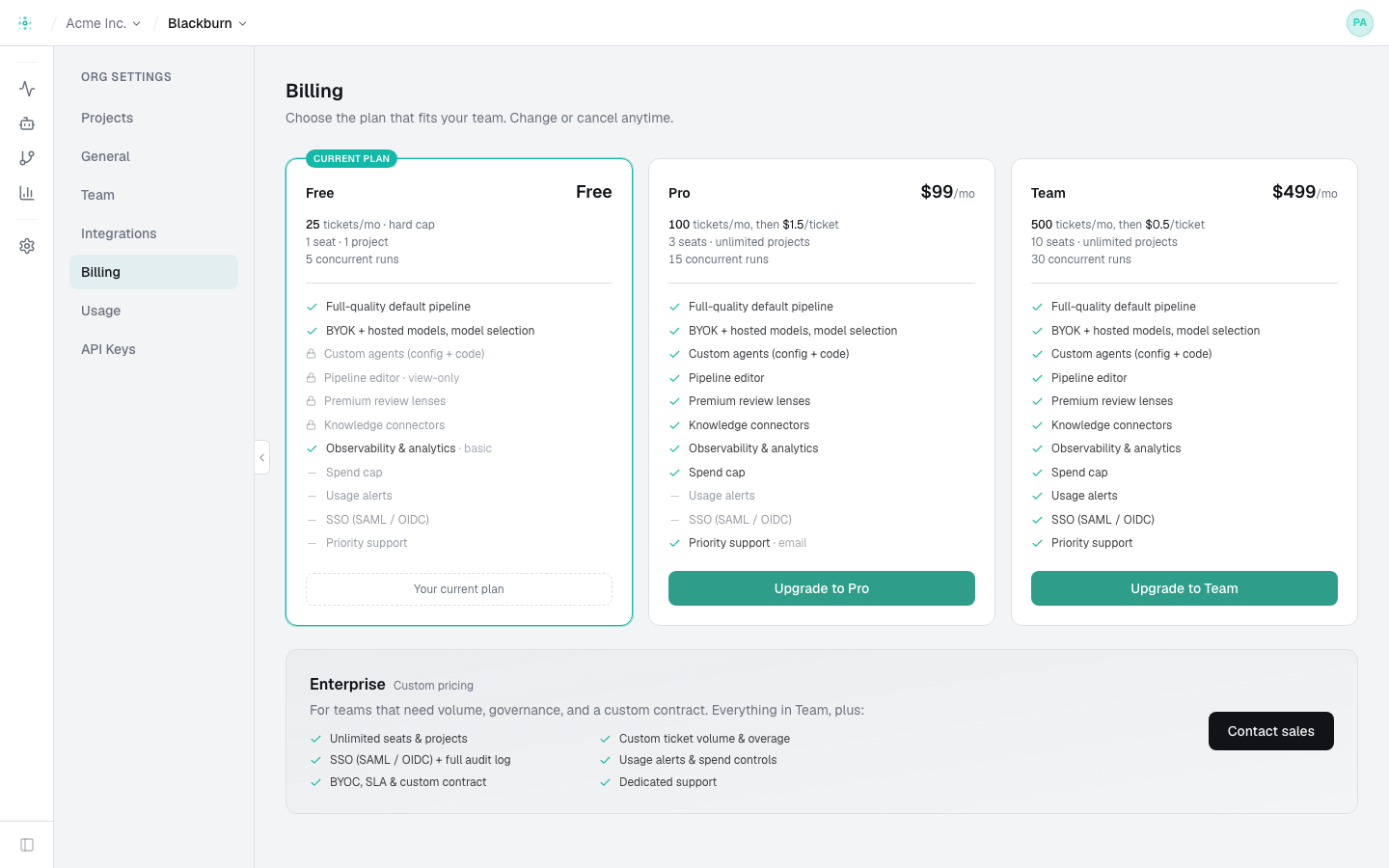
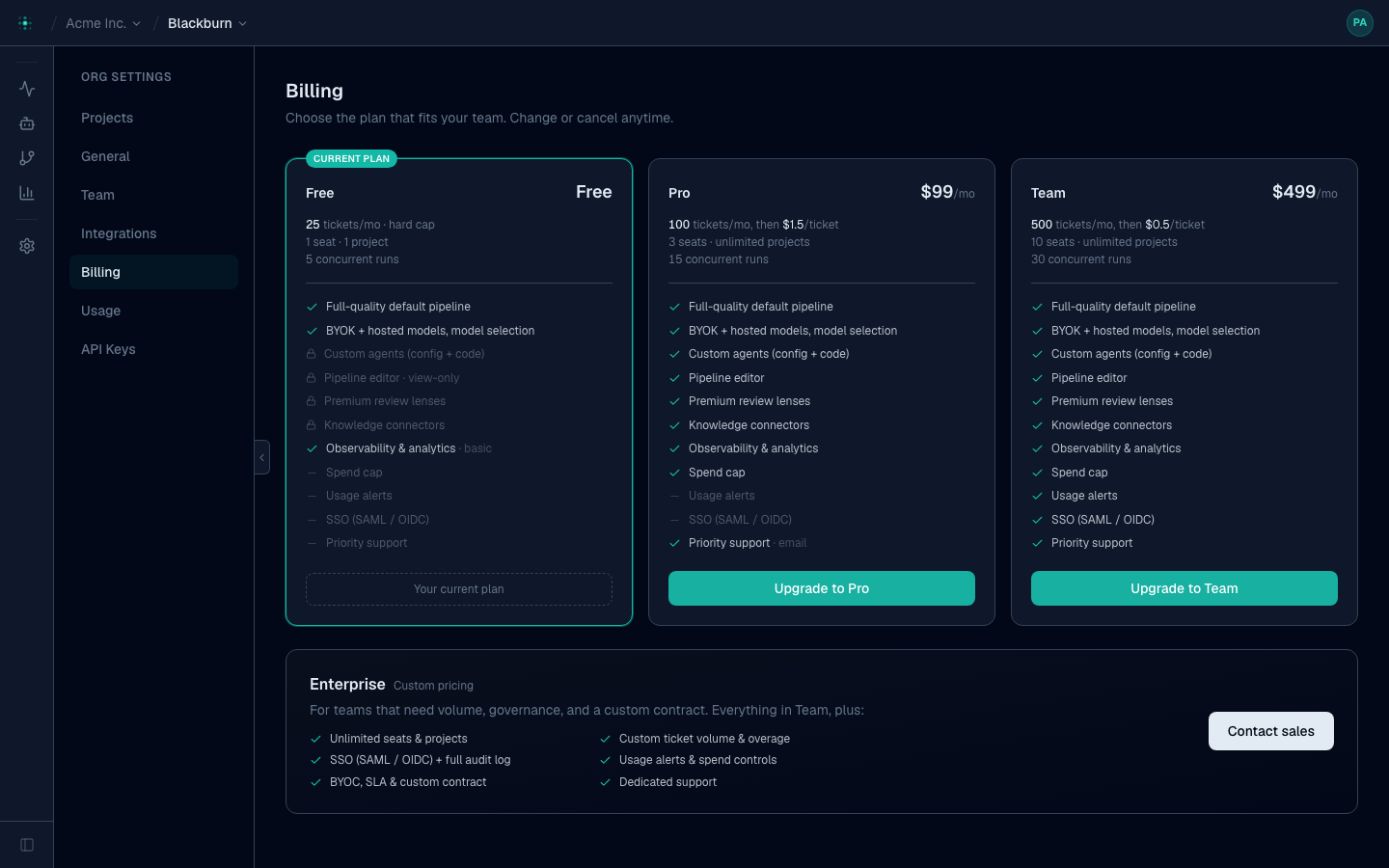
Plans
| Free | Pro | Team | |
|---|---|---|---|
| Price / mo | $0 | $299 | $599 |
| Included tickets / mo | 5 (hard cap) | 40 | 100 |
| Overage / ticket | — | $9 | $7 |
| Seats | 2 | 5 | 20 |
| Projects | 1 | unlimited | unlimited |
| Custom agents & pipeline editor | 🔒 | ✅ | ✅ |
| BYOK + model selection | ✅ | ✅ | ✅ |
Need more than Team? Overage keeps working — there's no ceiling that stops your runs — but past a certain volume a custom contract is cheaper. Enterprise is custom, with negotiated allowances, SSO and invoicing: contact sales from the billing page.
What counts as usage
- Tickets — a ticket is one top-level run, and it only counts once it reaches a pull request. Work that failed or was cancelled before opening a PR is never billed, however many agents it took to get there. Past your plan's included tickets, paid plans bill overage per extra ticket; Free is a hard cap.
- Hosted LLM — if you use Premia-hosted models (not BYOK), that usage is metered on your invoice. BYOK usage isn't billed by Premia.
A ticket is billed once regardless of how much work it took. A ticket that went through six revision cycles, a QA failure and a rebase costs the same as one that passed first time — the revision loop is how quality happens, so you're not charged for it.
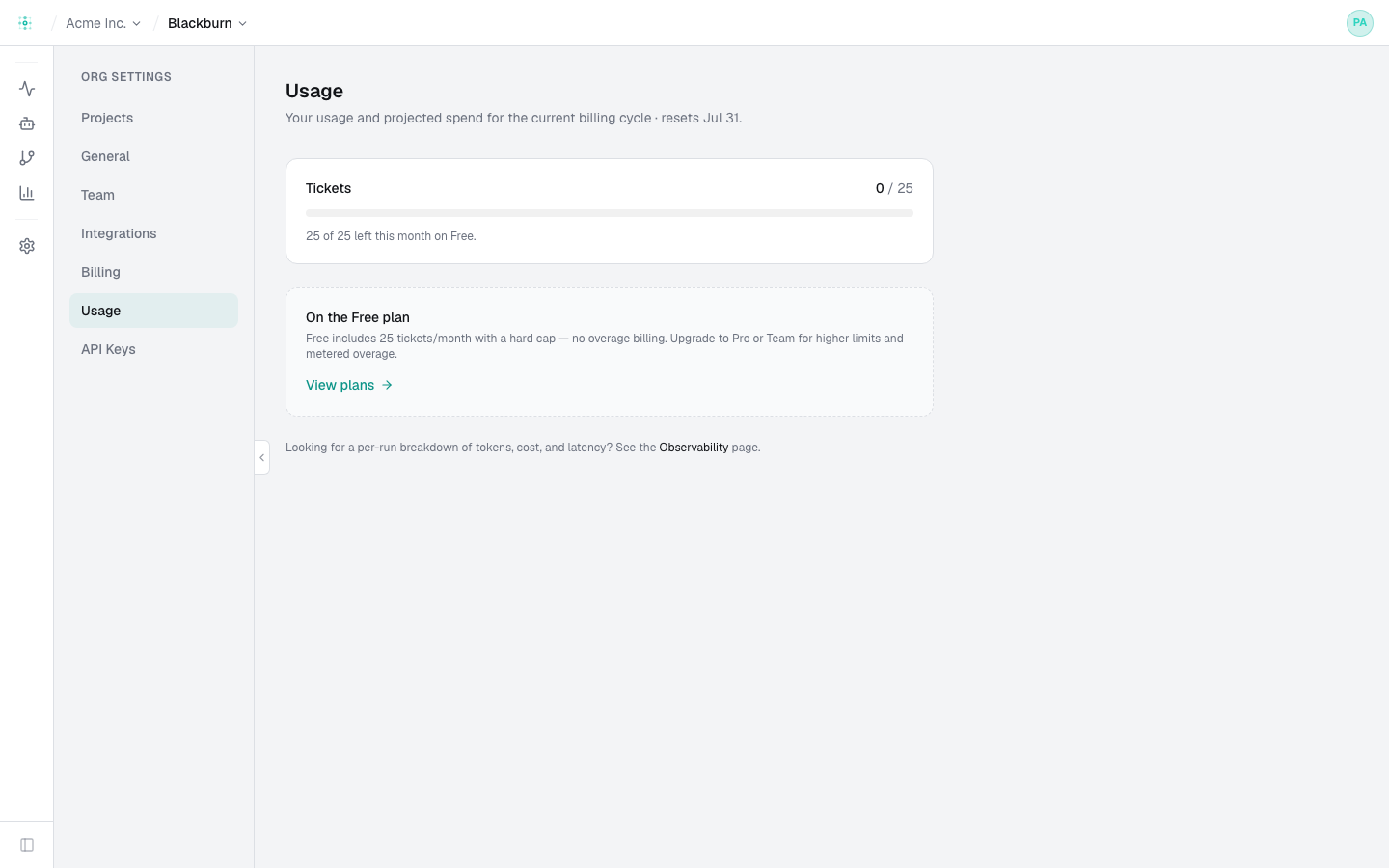
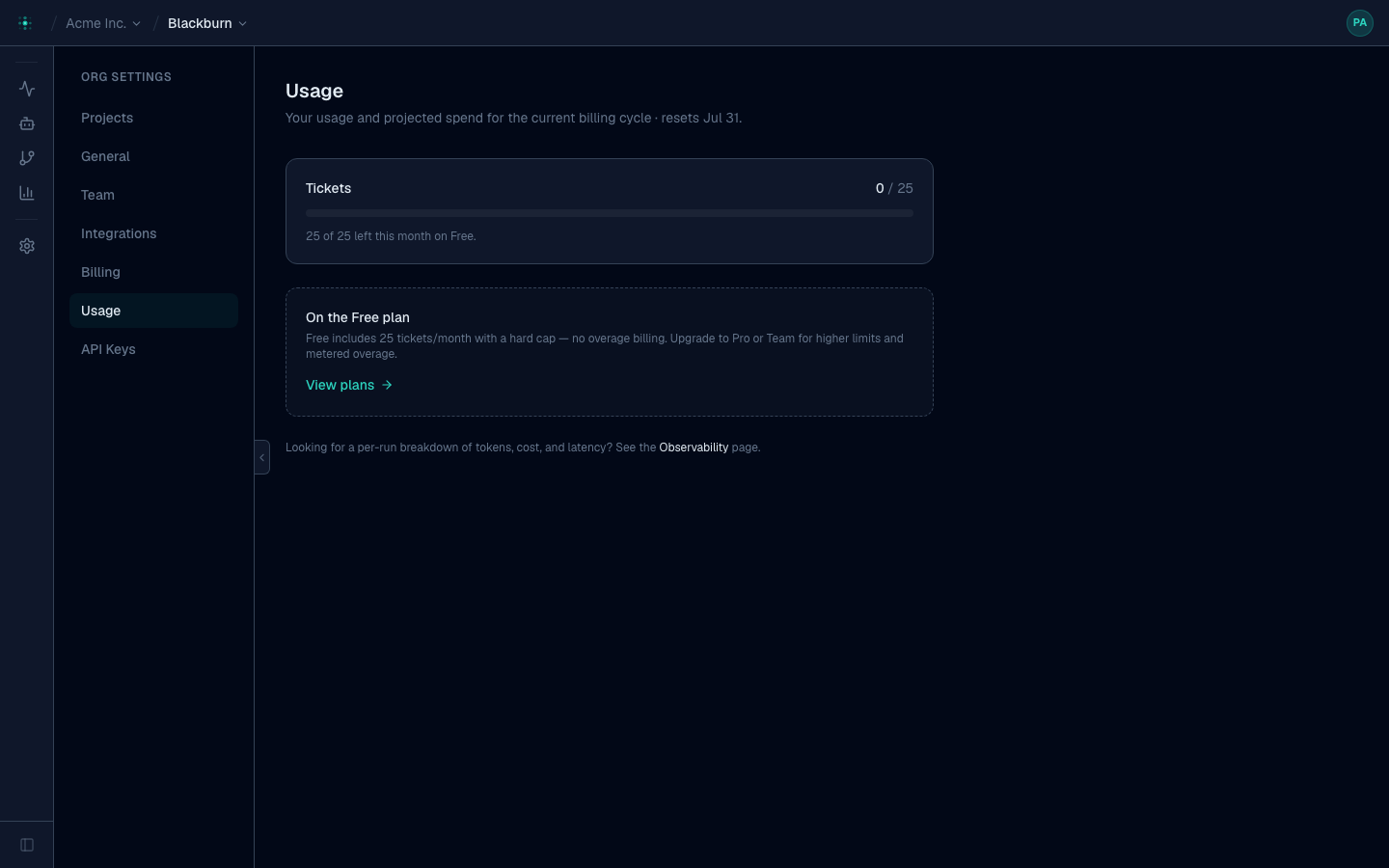
The Usage page shows this cycle's tickets, overage, hosted-LLM cost, and a projected invoice total.
Limits & controls
- Spend cap — set a monthly dollar ceiling; new runs pause (queue) when projected spend reaches it, and resume when you raise or clear it.
- Seats — a seat is someone who can operate Premia: trigger runs, approve plans, edit pipelines, see costs. Reviewing a PR or labelling a ticket in your issue tracker needs no seat, so your whole team benefits from a small number of them. Inviting past your plan's count is blocked until you upgrade.
- Concurrency — plans allow a number of top-level runs at once (Free 5 / Pro 15 / Team 30). Over the limit, runs queue and start automatically as slots free — they never fail. Child runs (a ticket's fan-out) don't count against it.