Getting started
Your first run
Kick off a run and watch it work.
There are three ways to start a run.
From Linear
Add the premia-ready label to an issue. This is the primary flow — Premia reads
the issue title and description as the task.
From the dashboard
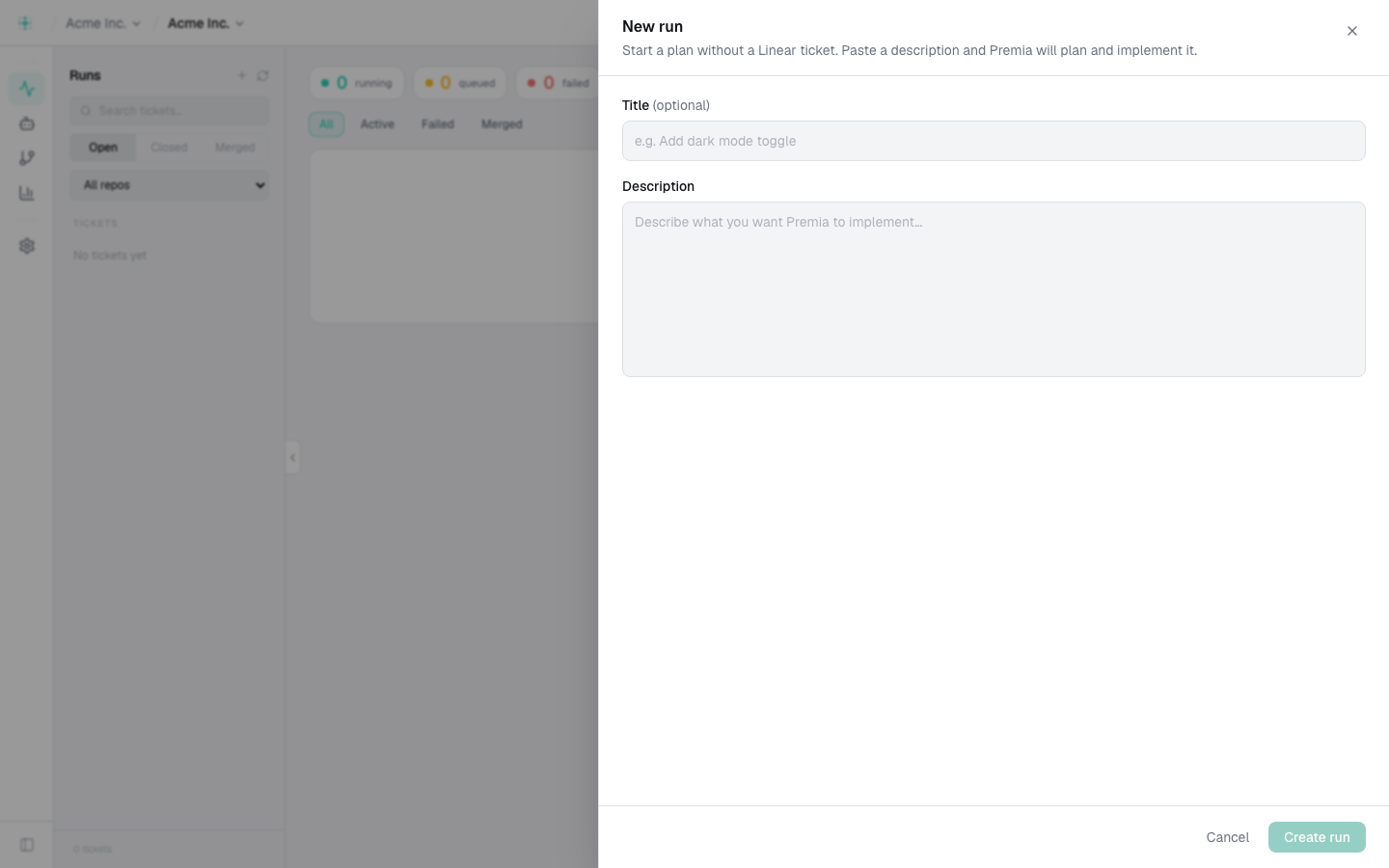
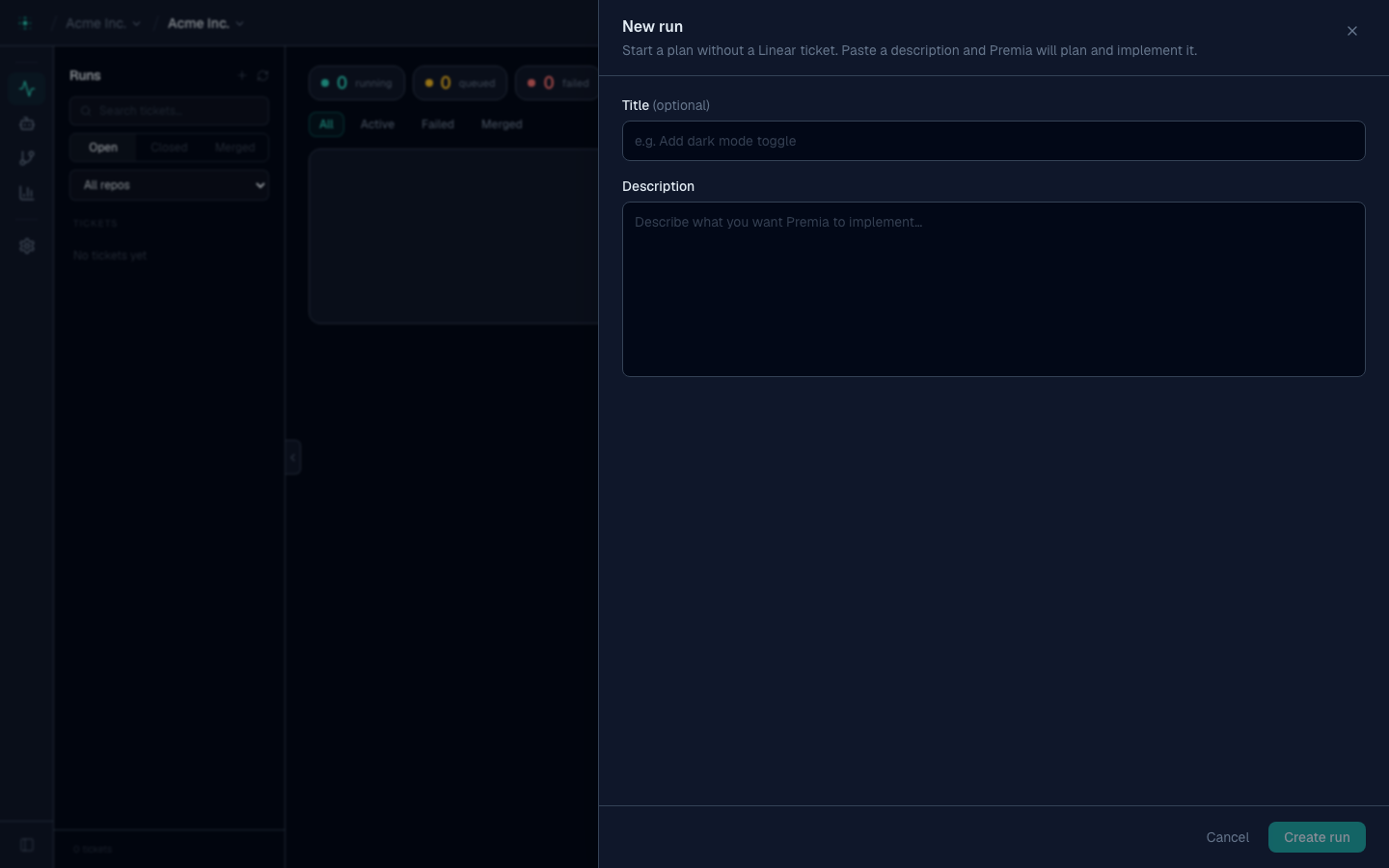
Open a project, go to Runs, and click Create run. Give it a short description of what you want done.
From the CLI
premia run "add pagination to the users table"
premia run "fix the login bug" --wait      # block until done; exit non-zero on failure
See the CLI reference to install and authenticate.
Watching a run
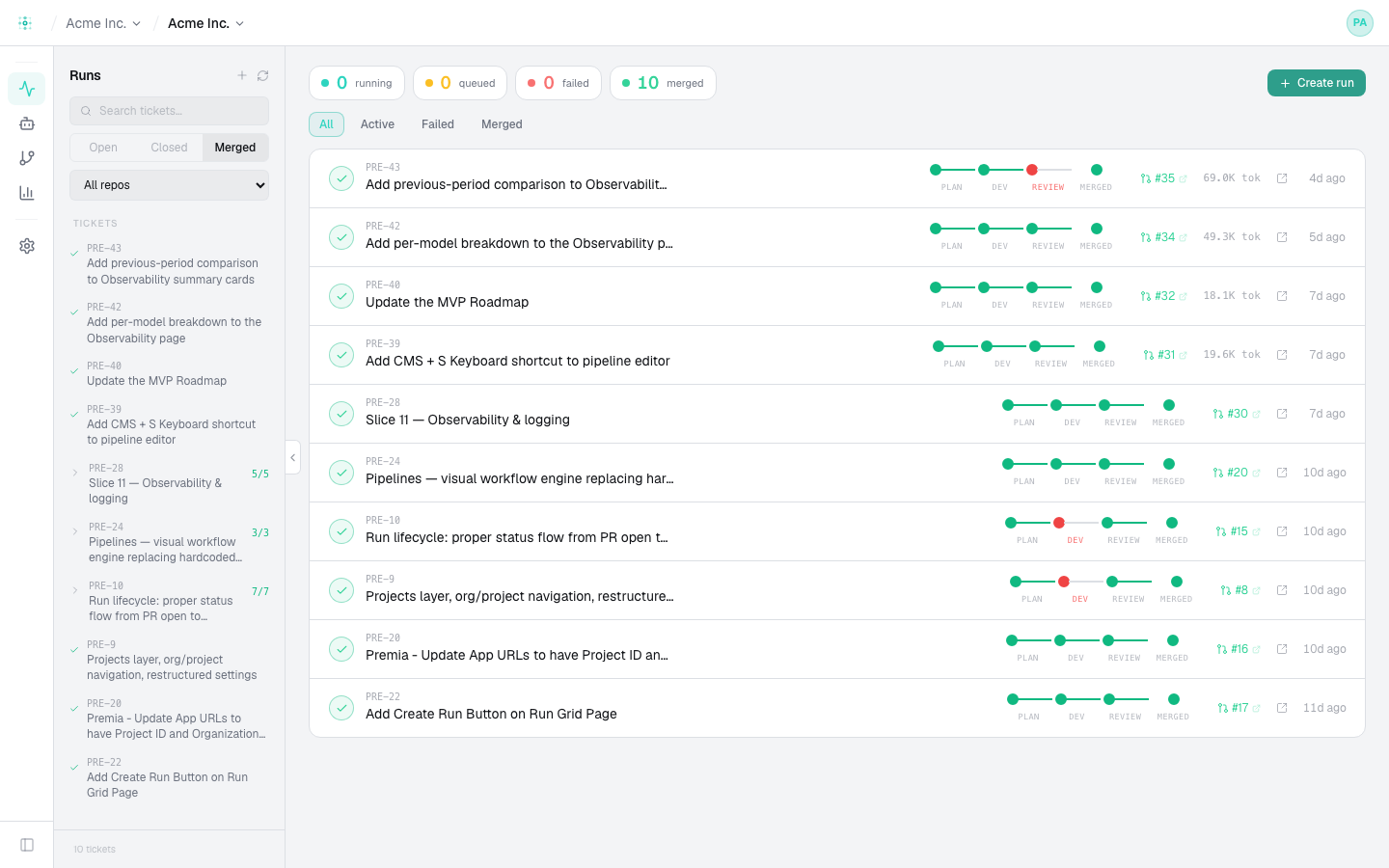
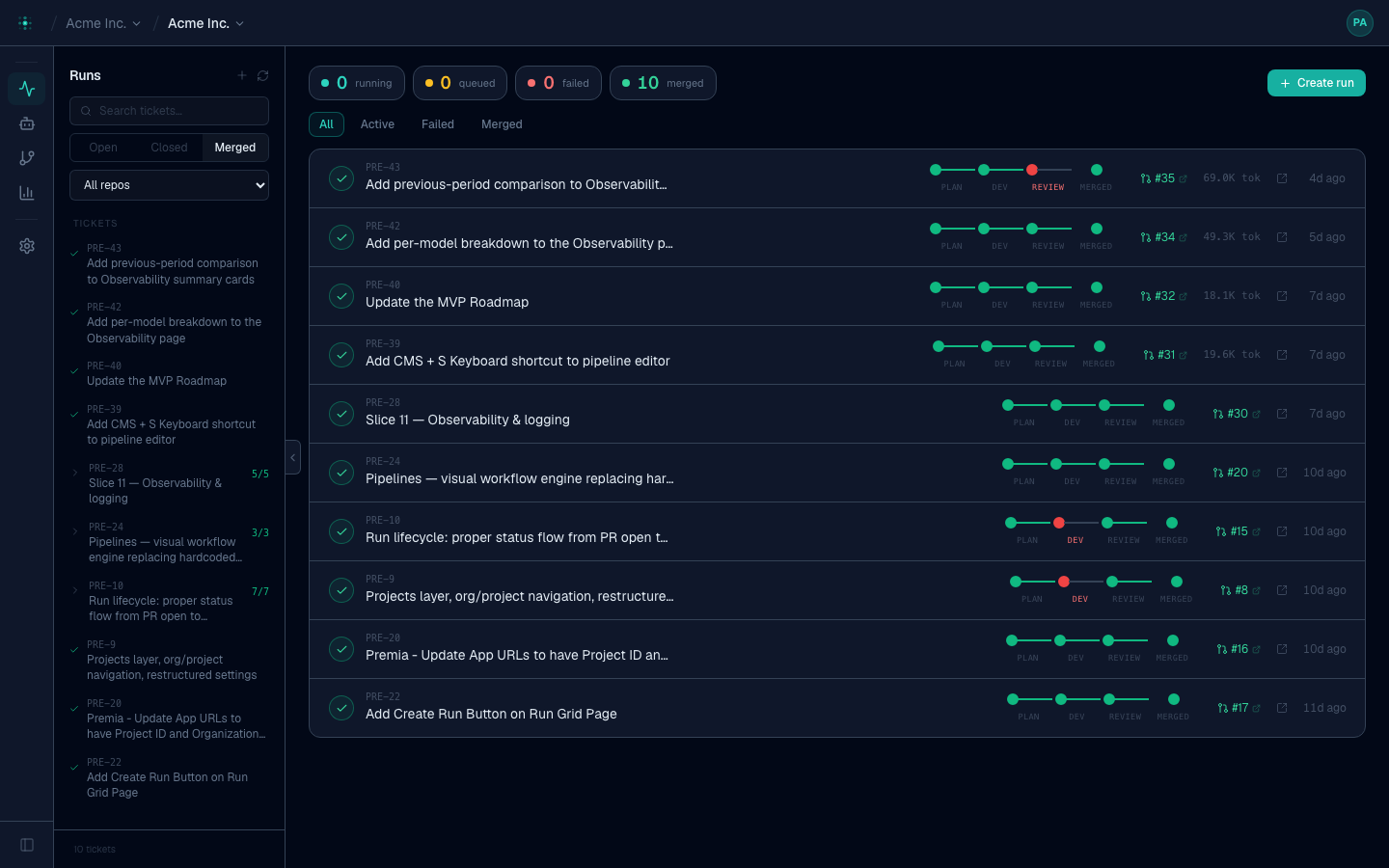
Open the run to see the pipeline advance step by step — Planner, Developer, Reviewer, QA, Requirements, Merger — with live logs, token usage, and cost per step. A run fans out into child runs (one per repo/task); the run view shows them together.
From the CLI:
premia runs list
premia runs view <id>
premia runs logs <id> --follow
Next: understand what's happening under the hood in Core concepts.