Connect GitHub
Install the Premia GitHub App so Premia can read code and open PRs.
Premia works through a GitHub App you install on your repositories. The App grants the minimum access needed to read code, create branches, and open pull requests.
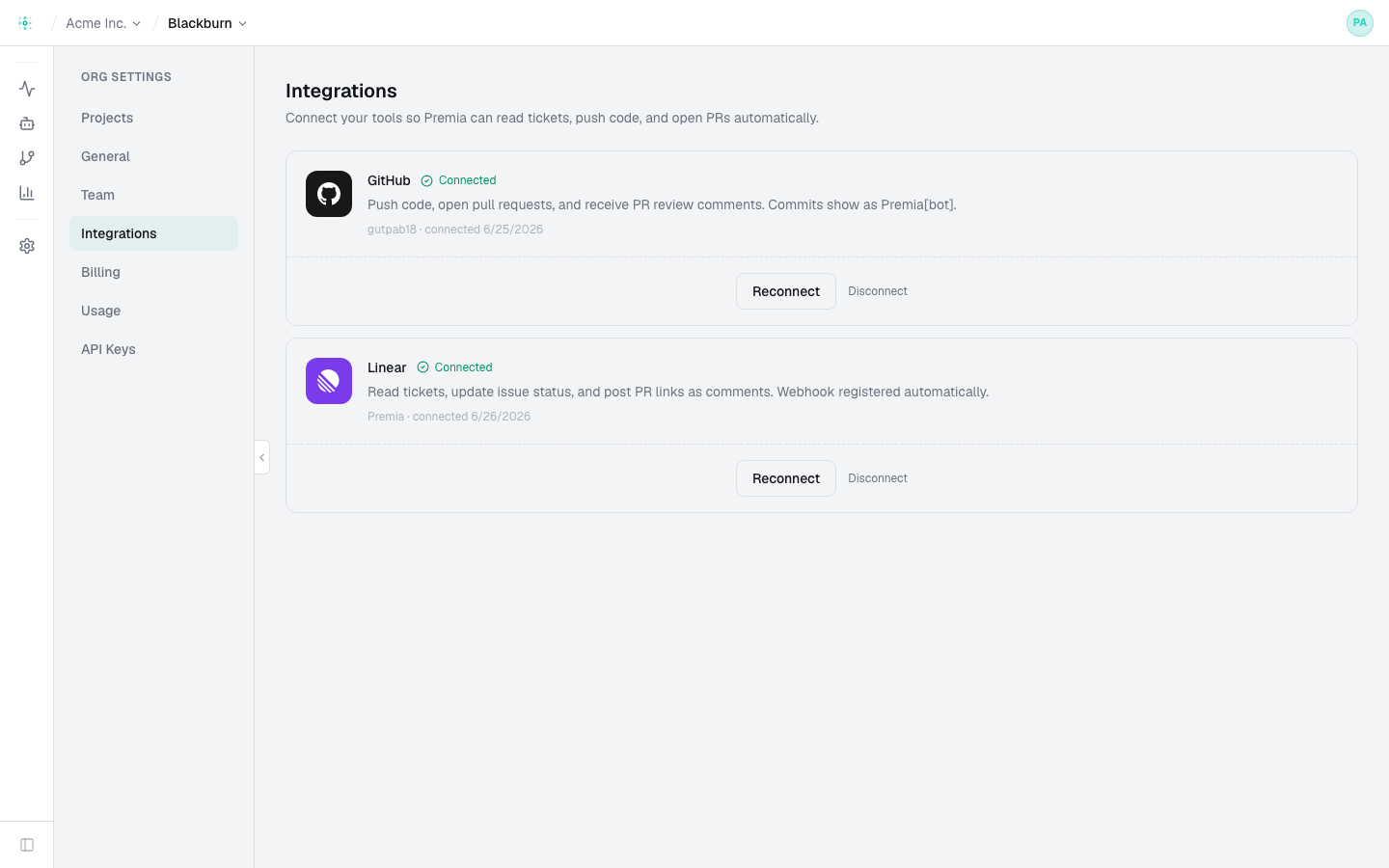
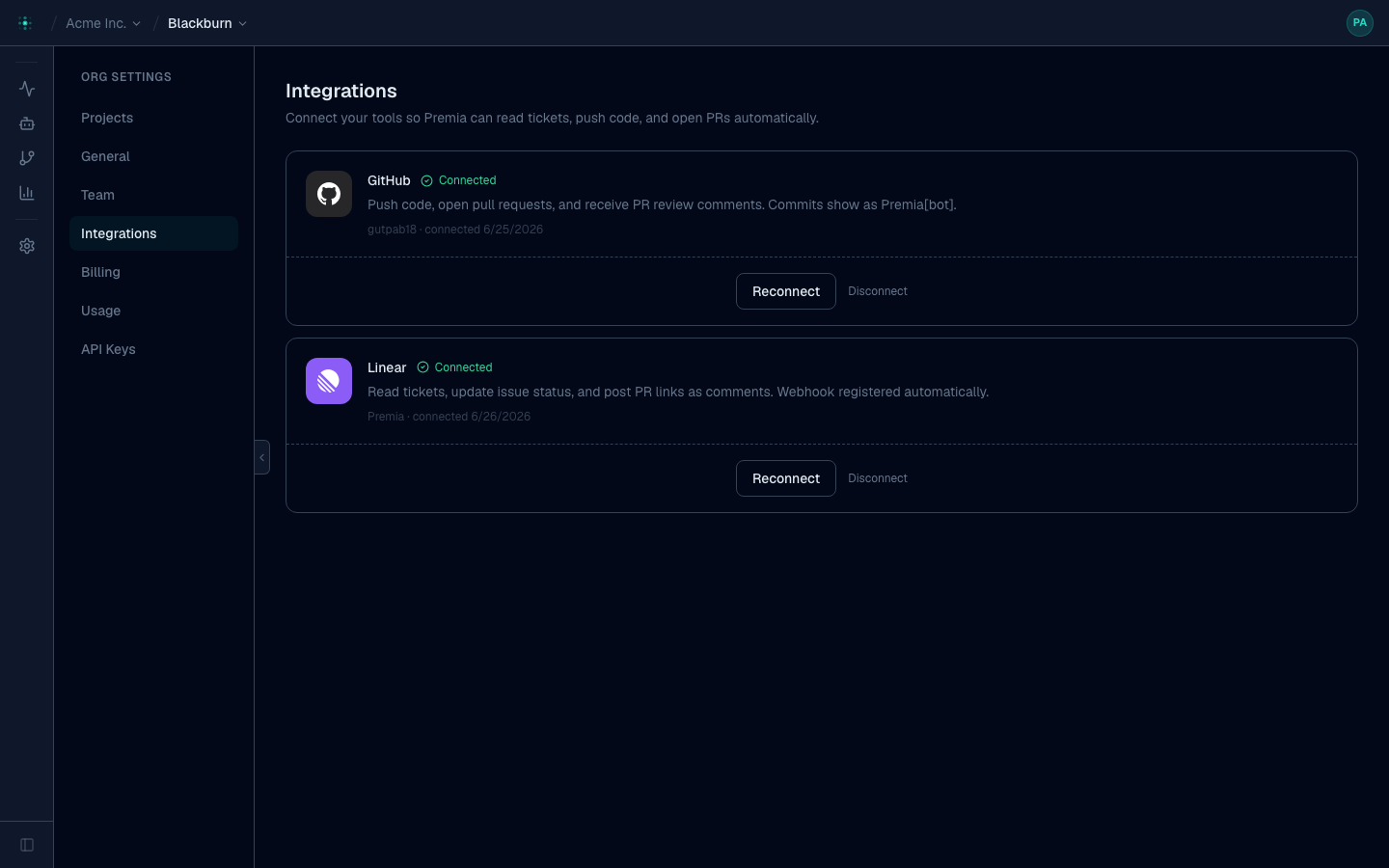
Install the app
From Settings → Integrations, click Connect GitHub and choose the repositories (or the whole org). You can change the selected repos at any time from GitHub.
Pick repos for a project
Each project connects one or more repos. When a ticket comes in, the Planner decides which of the connected repos need changes and fans out work to each.
Permissions
The GitHub App requests read/write on contents and pull requests for the repos you select. Premia never gets access to repos you don't grant.
Re-syncing
If you add repos in GitHub and don't see them in Premia, use Sync on the repos page
(or premia repos list from the CLI to confirm what's connected).